Build a foundation for reviewing how people use a website with different access needs. The outline covers interface choices, semantic HTML, keyboard navigation and alternative presentations of information. It may suit developers who want to connect accessibility terminology with practical interface checks and a guided challenge.
Who this may suit
Developers new to accessibility. The provider’s prerequisites identify basic HTML, CSS and JavaScript knowledge.
What to expect
Accessible interface choices and HTML.
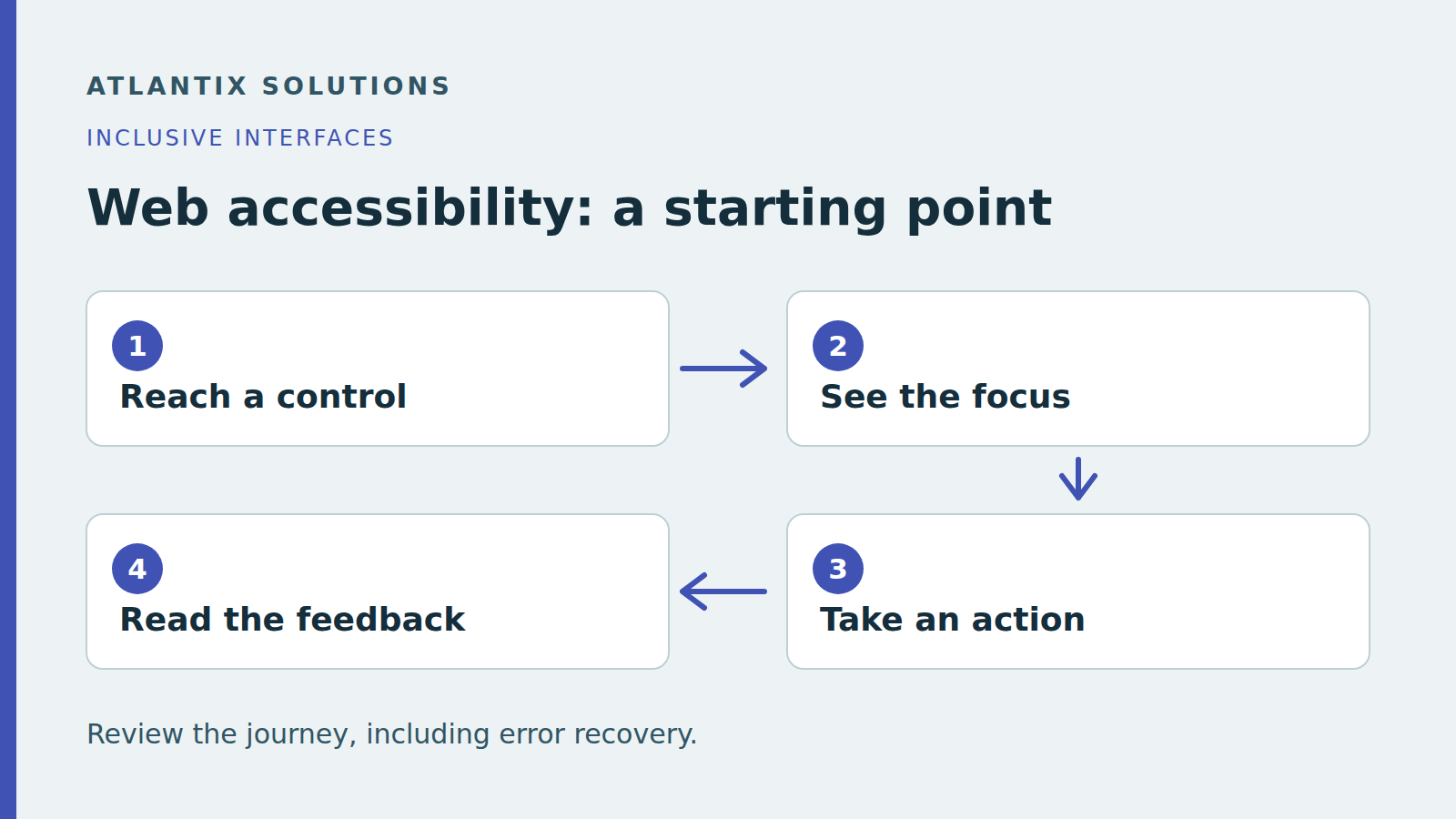
Navigation without a mouse.
Alternative presentations and common mistakes.
Your free companion PDF
Review one form with a keyboard. A three-page keyboard review guide with a fictional form scenario, a findings worksheet and a retest plan.
This is an original Atlantix companion guide based on the topic. It does not reproduce Educative lessons or replace access to the course.
Before enrolling
These preliminary checks do not establish WCAG conformance or replace a broader accessibility evaluation. Check the current course prerequisites, access, tool versions and purchase terms on Educative. This recommendation is based on the public description and syllabus; the full paid course has not been reviewed or completed.
Provider: Educative. Course reference checked 17 October 2026. View the official course outline. This is an ordinary reference link without affiliate tracking. Course access and purchases take place on Educative.